
YOUR AI BUSINESS COACHING TEAM
You bring
the ambition.
We help with
the next move.
A team of specialist AI gurus to help you think things through, build a plan and move your business forward.
Practical guidance. Useful tools. Your decisions.
a good sounding board.
From “where do I start?”
to “I know what’s next.”

“I want to grow, but I’m already doing everything myself.”
A FRESH PERSPECTIVE, WHEN YOU NEED IT
You don’t have to work
it all out on your own.
The question might be about your next customer, your first hire or a better way to work. Start with the support that fits.

A GOOD PLACE TO START
“I have a good service, but I struggle to explain why people should choose it.”
A focused message and a practical marketing plan.
Explore marketing
A GOOD PLACE TO START
“People seem interested, but too many conversations go quiet after the first meeting.”
A clearer sales conversation, proposal and follow-up plan.
Explore sales
A GOOD PLACE TO START
“We are busy, but I am not sure which work is actually profitable.”
A structured view of your costs, pricing questions and next actions.
Explore finance
A GOOD PLACE TO START
“I need help, but I am not clear what our next hire should own.”
A clearer role, onboarding outline and team conversation plan.
Explore people & leadershipA GOOD PLACE TO START
“Too much of the business still depends on me remembering every detail.”
A simpler process and an achievable improvement plan.
Explore operations
A GOOD PLACE TO START
“We have lots of opportunities, but I cannot tell which one deserves our attention.”
A focused growth plan with priorities you can explain.
Explore strategy & growthFROM A QUESTION TO A PLAN
Less going
round in circles.
More moving forward.
Keep your gurus, tools, plans and tasks together in one business support hub.




Start with your business
Share what you do, what you want to achieve and where you could use support.
Work it through with a guru
Ask questions, explore ideas and use practical frameworks to see your options more clearly.
Turn clarity into action
Build your plan, organise the next steps and come back as your priorities change.
ONE SOLUTION FOR YOUR BUSINESS
Think ahead.
Keep business moving.
Bring your AI coaches, practical tools, action plans and virtual receptionist together in Any Guru.
- Work through business questions with specialist AI gurus.
- Turn ideas into practical plans and tasks.
- Keep enquiries moving with your own virtual receptionist: available 24/7 in any language to answer calls and website questions, help complete forms and capture leads.
Configure the receptionist around your business information, with call details sent to your team’s inbox for follow-up.
ANY GURU BUSINESS SOLUTION
Business coaching, growth tools and a virtual receptionist included as core parts of your solution.
Talk about your business ↗We’ll confirm setup, usage allowances, VAT and contract terms with you before you commit.
WHEREVER YOU ARE IN BUSINESS
A starting point
that feels like yours.
You don’t need a perfect brief. Choose the situation closest to yours and take it from there.
Starting a business
Bring the idea, the questions and the uncertainty. Work through the foundations of a business one decision at a time.
BUILD ON WHAT WORKSGrowing a business
When you are busy delivering, it can be hard to step back. Get support to sharpen your offer, strengthen sales and make room for growth.
CLARITY FOR YOU AND YOUR PEOPLELeading a team
Bring structure to the decisions, conversations and processes that become more important as your team grows.
GROW YOUR BUSINESS. GROW YOUR IMPACT.Social enterprises
Balance your trading goals with the difference you want to make. Use business coaching to explore sustainable income, priorities and the story behind your impact.
BUILT FROM REAL BUSINESS EXPERIENCE
Stronger businesses.
A bigger difference.
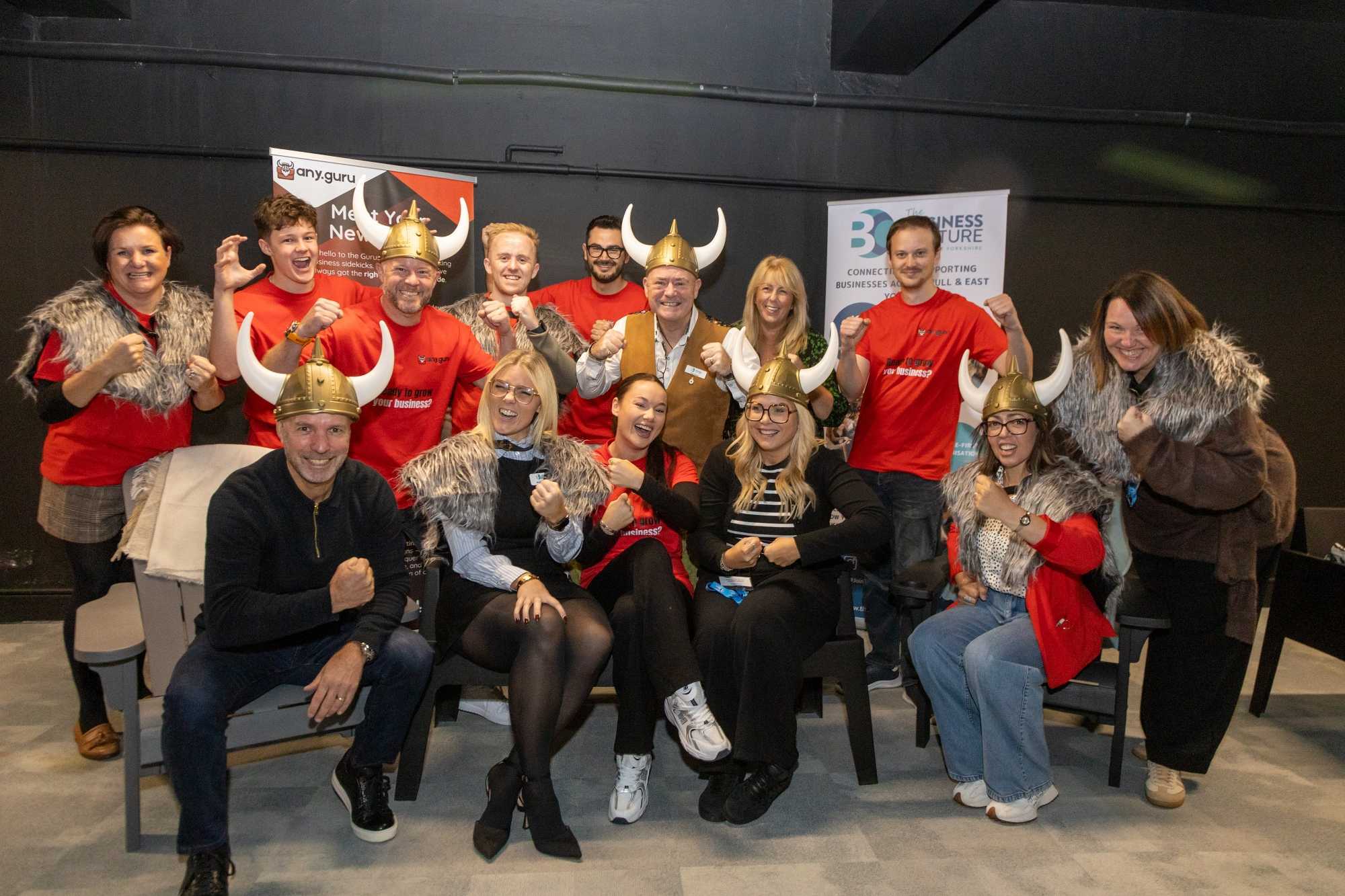
Any Guru grew out of Darren Crombie’s experience building Bridgit Care: a belief that practical support should be easier for business owners to access.
Our purpose is to help small businesses grow stronger and increase their positive impact in their communities.
The story behind Any Guru ↗What is Any Guru?
Any Guru is an AI business coaching platform. It brings specialist guidance, practical tools, plans and tasks into one workspace to help you think through decisions and take your next steps.
Do I need to be good at using AI?
Start with a question in your own words. Explain your business, what you are trying to achieve and where you are stuck. You can ask for a simpler explanation or work through one step at a time.
Will a guru run my business for me?
You lead the business and choose what to do. Your gurus help you explore options, draft plans and organise actions. Review their suggestions and check important information before acting.
Who is it for?
Founders, small business owners, growing teams and social enterprises looking for practical support across everyday business challenges.
Can I use it for finance or people decisions?
You can use it to organise your thinking and prepare questions. For regulated financial, legal, tax or employment advice, consult a qualified professional who understands your circumstances.
How do I get help with my account?
Use the sign-in or password recovery page. If you still need help, contact contact@any.guru.
YOUR NEXT CHAPTER
Big ambition.
A clearer next move.
Bring the challenge. Find your guru.
Start making progress.